Unpixelate ImageFix blocky, low-resolution photos from old phones and cameras. Your photo gets a quick check, then grows to the size you need.
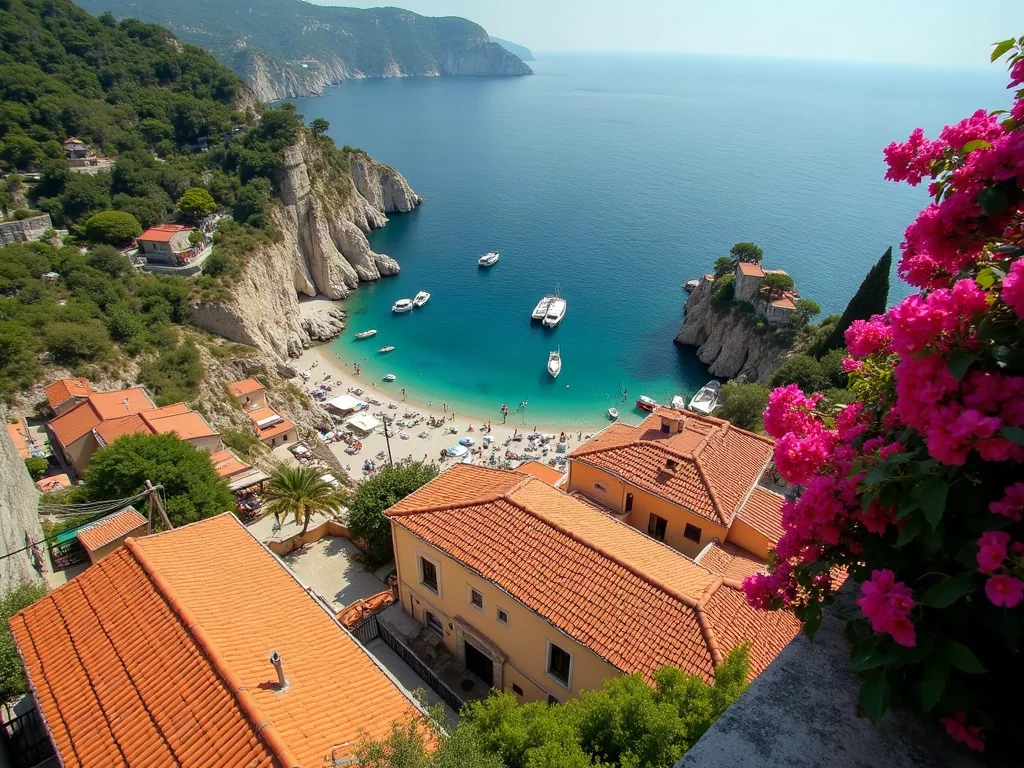
What kind of pixelated?
Four photos look the same at a glance. We check before we touch it.
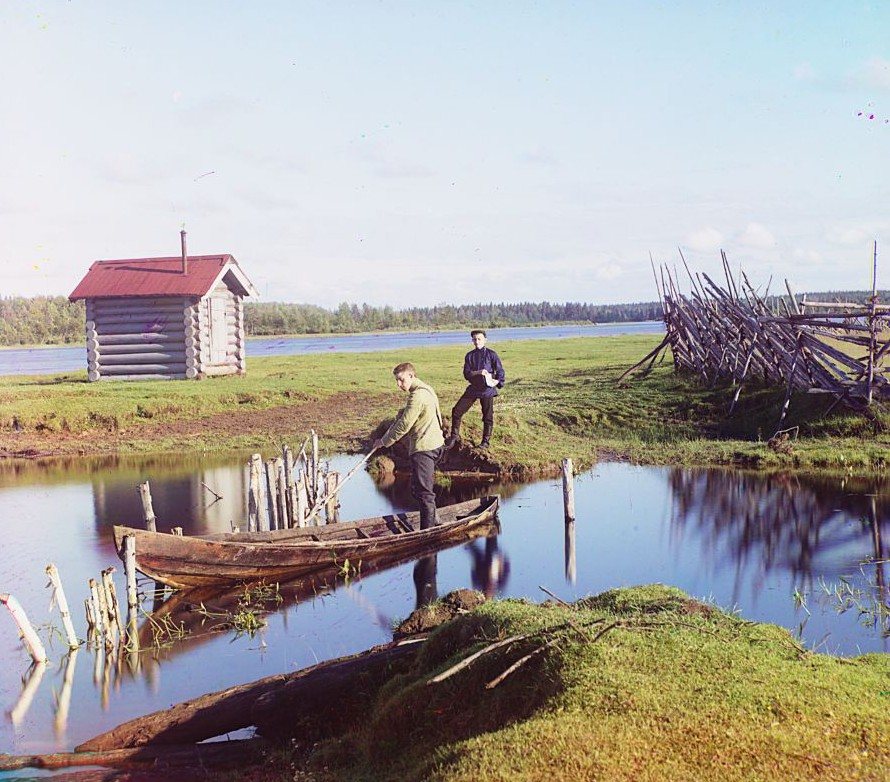
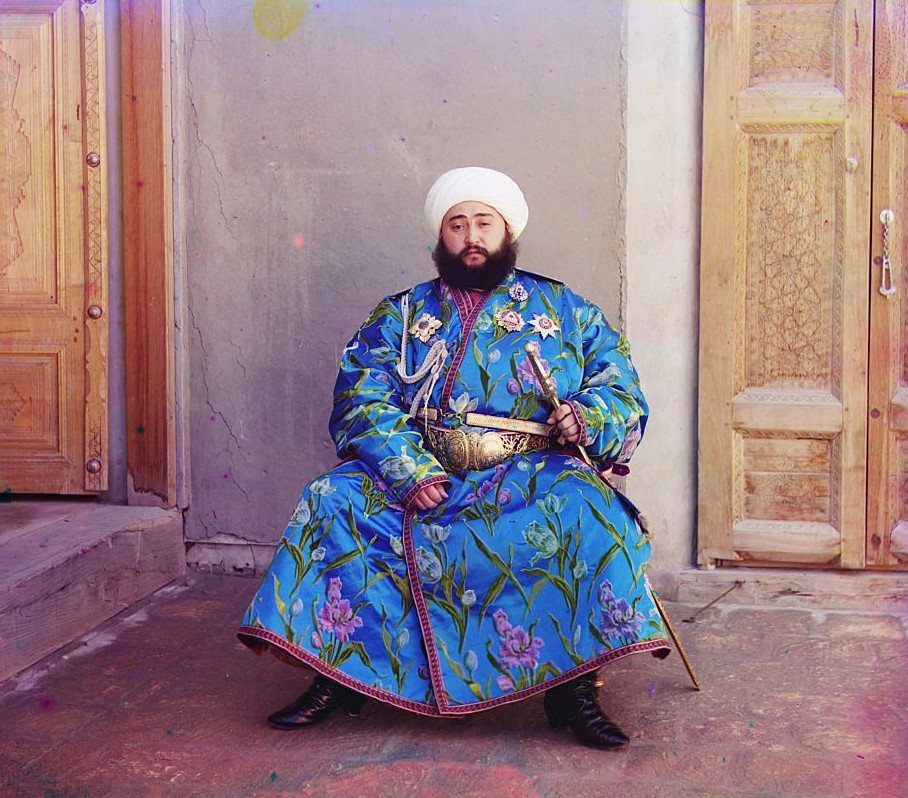
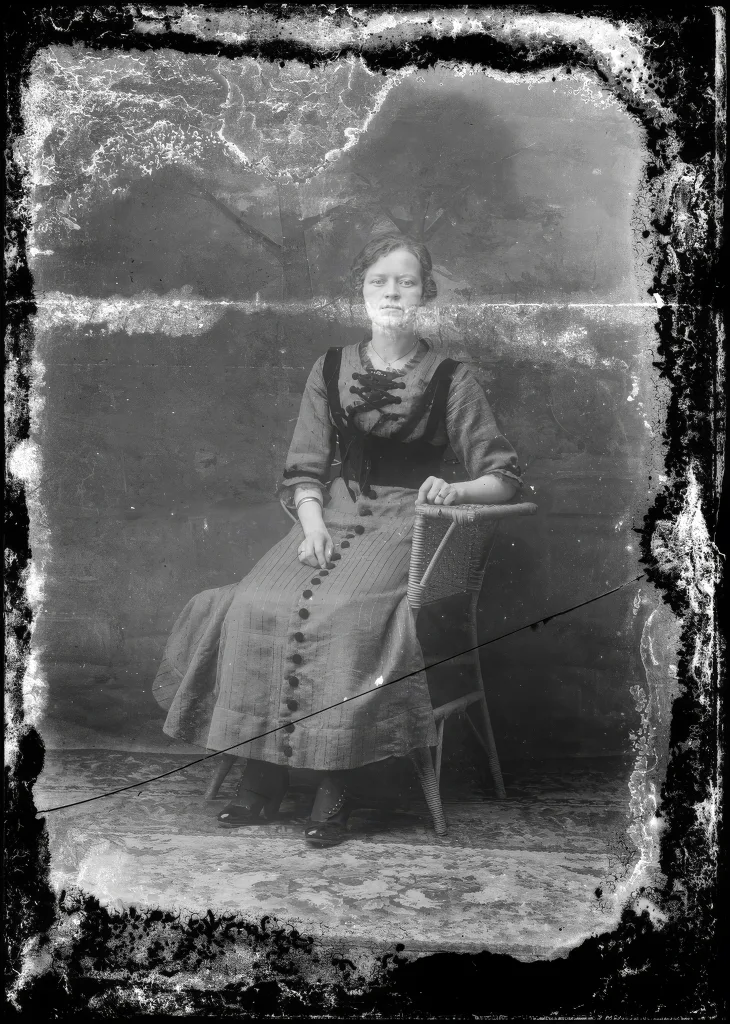
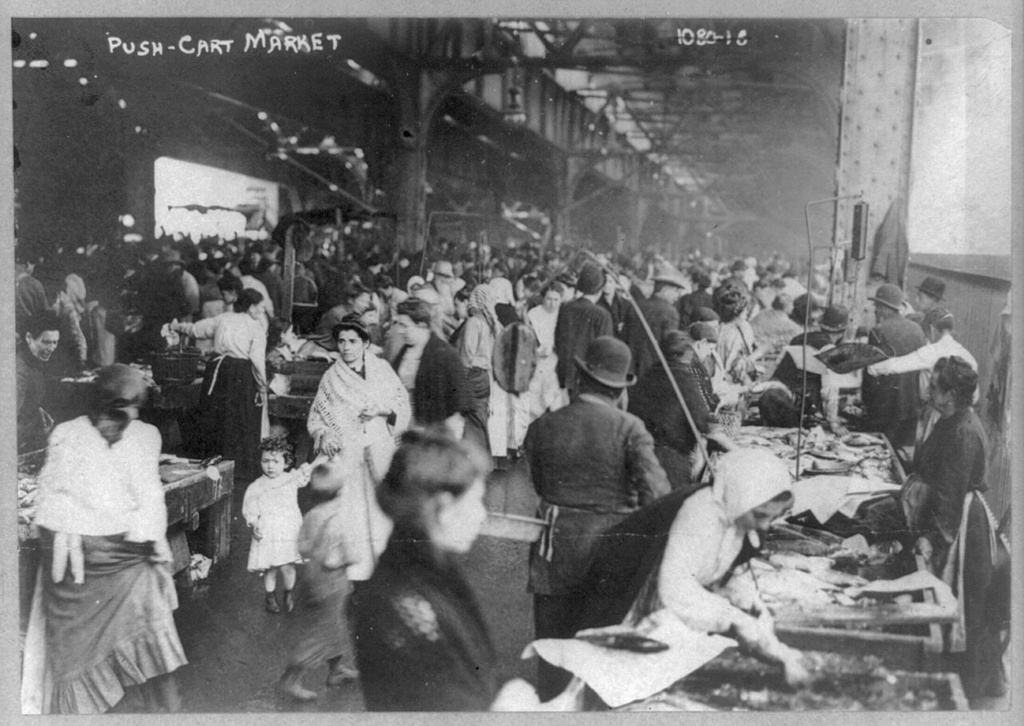
Same photo. Same crop.
Every before and after here is one file. Tap any tile to drag the line yourself.
Zoom and enhance
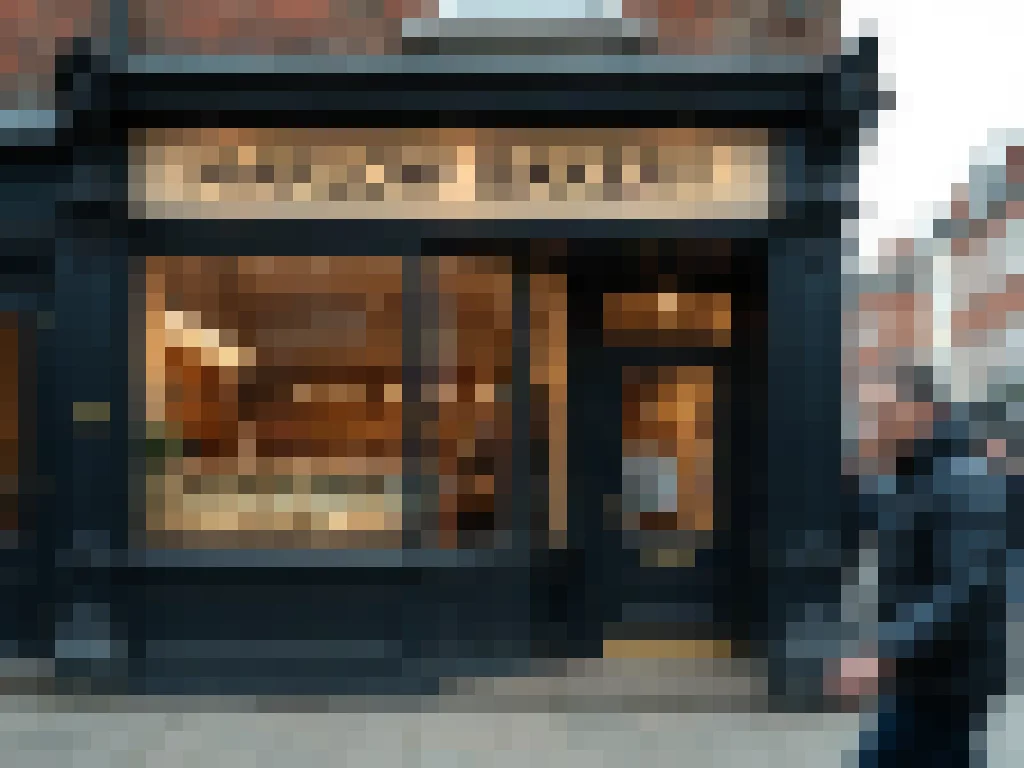 BEFORE · 56 PX WIDE
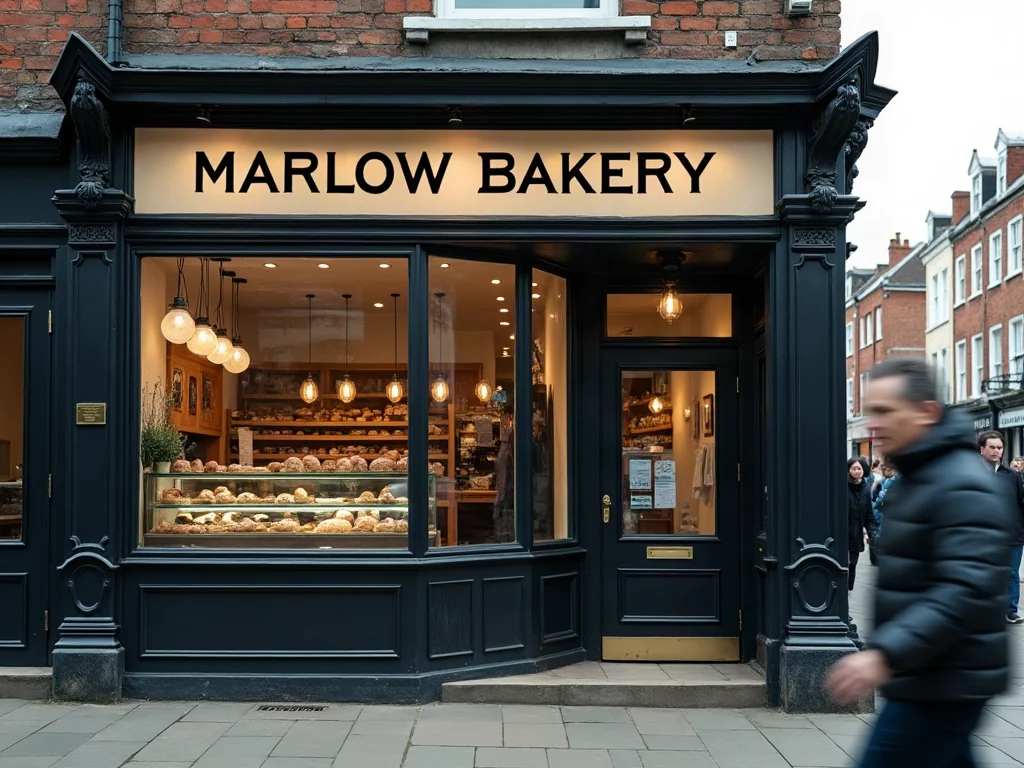 ?AFTER · ×4
How to unpixelate an image in 3 steps
- 1
Upload
Drop in a JPG, PNG or WebP, ideally the earliest copy you have.
- 2
Check
We find every face and any text first, so faces are sharpened as faces and letters stay as written.
- 3
Download
Save the bigger photo at the size you picked.
How big do you need?
Pick where the photo is going: an avatar, Instagram or a print. It grows to exactly that size.
Print sizes assume 300 dpi. Screens use pixels.
Above ×4 we tell you honestly: it will print, but fine detail will look painted.
It shows the size you have, the size you get and how many times that is, for an avatar, Instagram, 6×4, A4 or A3 at 300 dpi. The longest side can reach 8192 px, and past 4× you get a warning first. Bigger is not recovered: enlarging cannot bring back detail the photo never held.
A 640×480 photo, how big can it go?
A 2005 point-and-shoot saved 640×480: 0.3 MP, which prints only 2.1 × 1.6 in at 300 dpi, smaller than a business card.
6×4 in print · ×2.8
Grows to 1800 × 1200. This is the size a 640×480 photo is made for.
A4 · ×5.5, A5 · ×3.9
A4 is past ×4 and looks painted. A5 (about 8.3 × 5.8 in) stays inside ×4 and is the better wall print.
What it can't fix
Censor mosaics stay hidden
Mosaic, blurred plates and hidden faces were covered on purpose, and the detail was destroyed. Any tool that shows you a face there is inventing one.
Lost detail, said out loud
If the pixels never held the detail, we’ll say so instead of guessing.
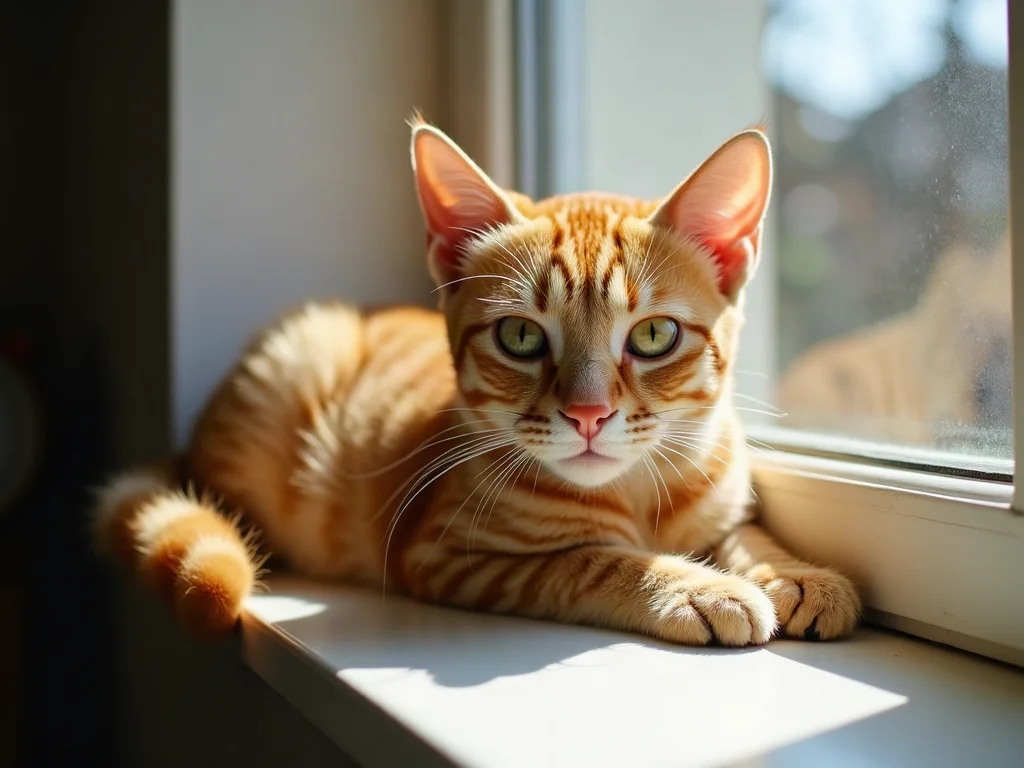
GUESS WHAT IT IS · STEP 1 / 6
What is it?
Every tap makes it one step sharper. Most people get it at step 4.
Not just bigger squares
Plain enlarging only smears the blocks.
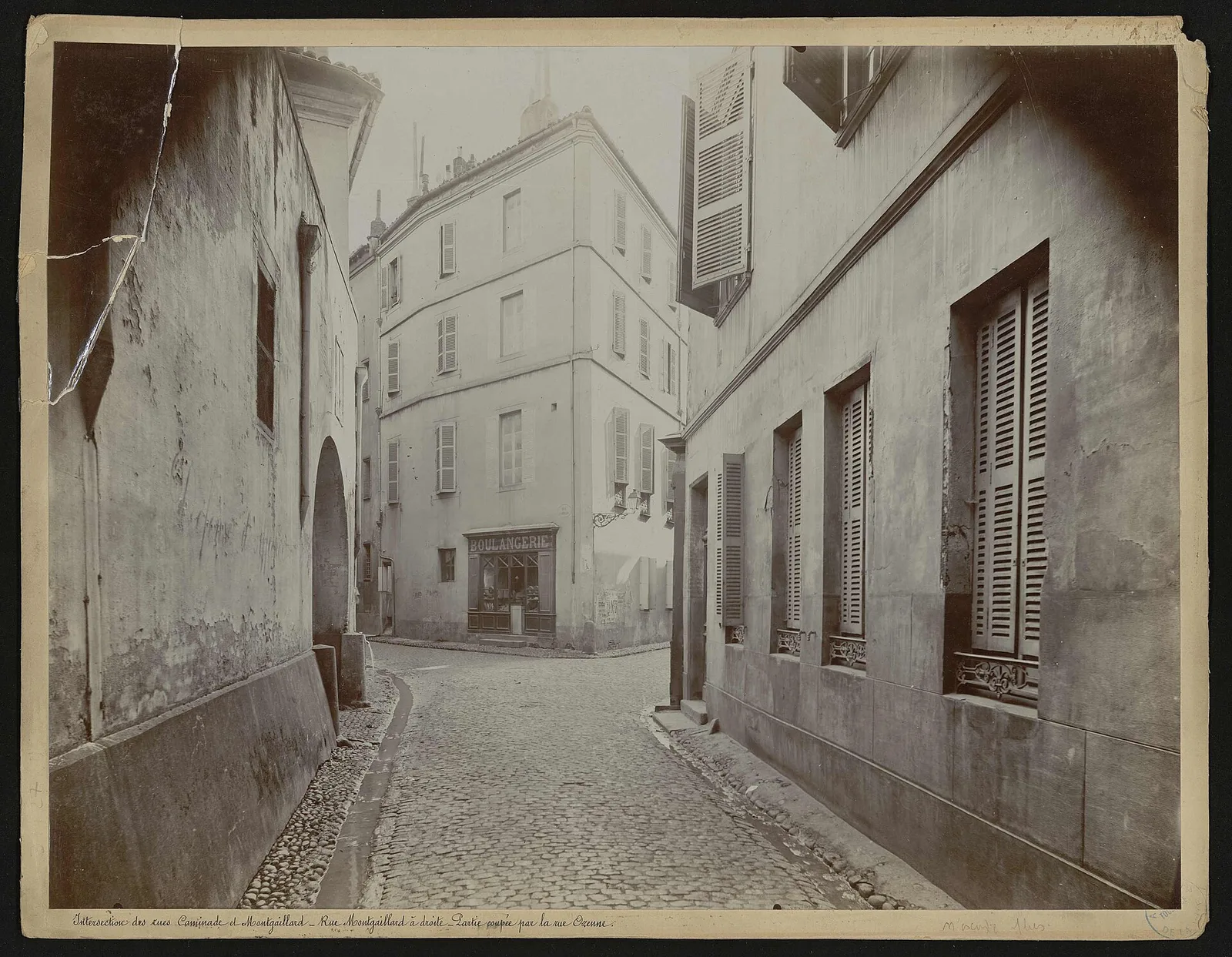
Why plain resizing looks blocky
A normal resize stretches the pixels it has, so squares grow and edges smear. Revivo rebuilds edges and texture at the new size.
A forwarded photo, cleaned up
Four trips through a chat app, undone
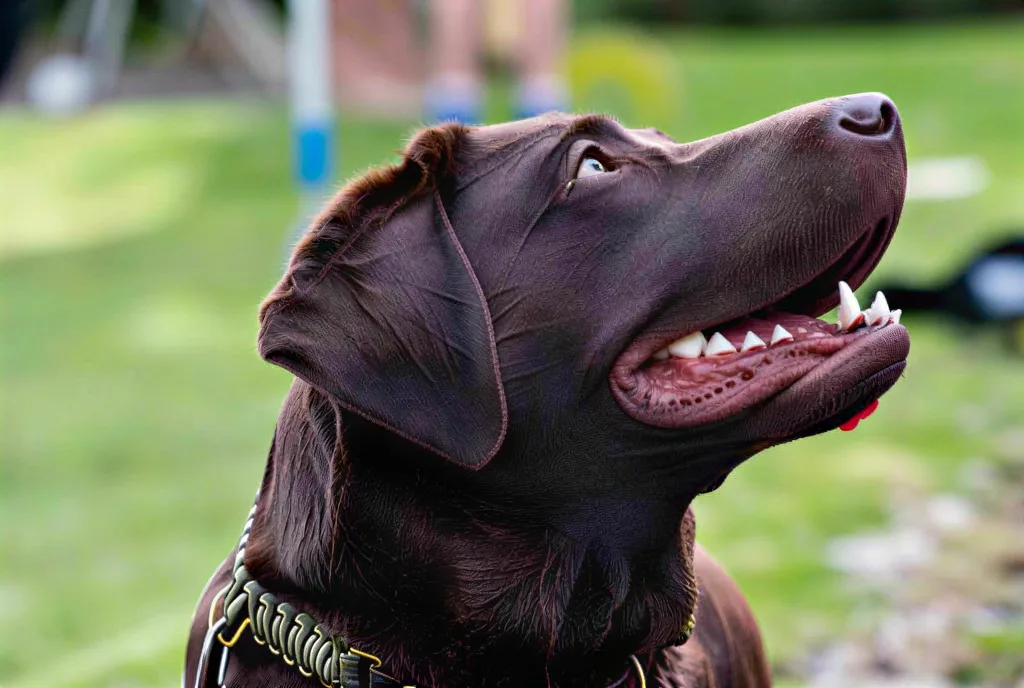
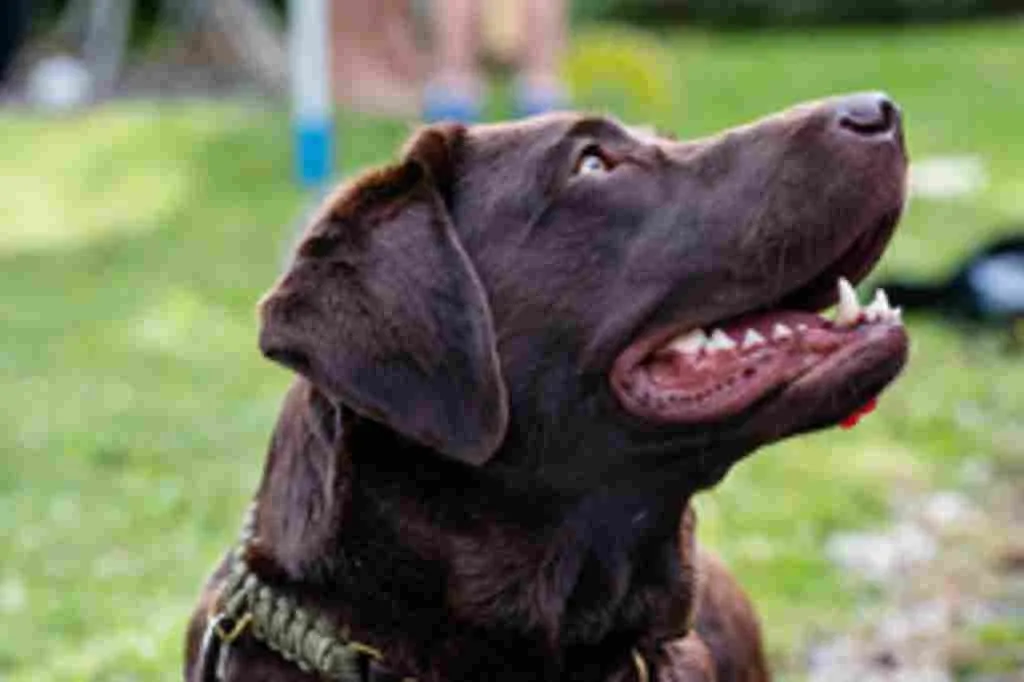
A clear 1024×682 dog photo, shrunk to a quarter, blown back up and saved at JPEG quality 15, about what a few chat-app trips do. Drag the line to see the same file after Unpixelate.
What comes back
Fur direction, the collar weave and the teeth read as edges again instead of blocks.
What stays gone
This pass keeps the photo 1024 px wide, so it cleans up blocks and banding without making the photo bigger. Detail the compression erased stays gone.
The 2000s camera roll
Shot on the best camera you had. It just wasn't many pixels.
Your first digital camera saved small files to fit a memory card, and flip phones saved smaller still.
 '05 8 02
 '06 12 24
Which tool fits your photo?
| Your photo | Use | Why |
|---|---|---|
| Motion blur or missed focus | Unblur | Smeared detail needs a model. |
| A little soft | Sharpen | Edges still exist. Free, local. |
| Blocky, pixelated or tiny | Unpixelate | Enlarges and smooths blocks. |
| Black and white | Colorize | Adds color, keeps the grain. |
| Blurry and black and white | Unblur, then Colorize | Order matters: Unblur first. |
Plans for every old photo box
Pick a plan when one free photo is not enough.Starter
A box of old photos- 40 credits · up to 40 photos a month
- $0.20 a photo on yearly billing
- Full-size downloads
- Face-safe HD mode: sharper faces that still look like them
Pro
The whole family album- 200 credits · up to 200 photos a month
- $0.10 a photo on yearly billing
- Everything in Starter
- Batch up to 20 at once
- Print sizes up to A3
Archive
For genealogy and big archives- 500 credits · up to 500 photos a month
- $0.05 a photo on yearly billing
- Everything in Pro
- Batch up to 100
- Priority queue
Pay as you go
10 credits · up to 10 photos
$4.99$0.50 a photo
Try a few photos
150 credits · up to 150 photos
$38.00$0.25 a photo
Restore a family album
500 credits · up to 500 photos
$79.00$0.16 a photo
A large collection
1,300 credits · up to 1,300 photos
$199.00$0.15 a photo
An extensive archive
1 credit = 1 Standard photo · HD uses 3 · Restore uses 2
Prices in USD. Sales tax or VAT, where it applies, is added at checkout.
Questions
Unpixelate image questions
It depends on why the photo is pixelated. Revivo Photo, an AI photo restoration tool, first checks what you have: a small file, compression blocks, blur or a censor mosaic. Then it enlarges the photo to the size you need for a profile, Instagram or print. It cannot recover detail the file never held, and it says so.
For a small photo, mostly yes. Upscaling makes an image bigger; unpixelating also rebuilds smooth edges where visible squares or compression blocks were. For a blurry photo with no squares, Unblur is the better fit, because there is nothing blocky to rebuild.
At 300 dpi, a 6x4 inch print needs 1800 x 1200 pixels and an A4 print about 2480 x 3508. The size calculator on this page shows the size you have, the size you need and how many times that is, and warns you above 4x. A small photo enlarged that far still prints, but fine detail looks painted.
Enlarge the least compressed copy you have. The tool smooths 8x8 blocks and banding in skies and skin and keeps edges, brick, leaves and fabric. Blocks cannot be removed from a file that already lost the detail, and it will not add letters that were never in the pixels.
It means making a blocky photo look smooth and clear again. Blocks appear when a small or heavily compressed image is shown large; Revivo Photo first checks what is wrong, then enlarges it and rebuilds plausible detail. Some details cannot come back, and we say so. "Depixelate" means the same thing.
No. When a face, plate or word is deliberately pixelated, the original detail is gone, and any tool that shows you one there would be inventing it. Unpixelate is built for ordinary low-resolution and compressed photos, like old phone shots and forwarded chat images, and it does not try to reveal hidden content.
Pixelated photos show visible squares; blurred ones look soft and smeared. Our first check tells you which you have: squares need a rebuild at a larger size, while soft photos need Sharpen or Unblur. If your picture is already big but soft, use one of those instead.
The longest side can reach 8192 px. Above 4× the photo still prints, but fine detail looks painted, not photographed, and the page warns you before you run it. The size calculator shows how many times to enlarge for an avatar, Instagram, 6×4, A4 or A3 at 300 dpi; a 640×480 photo, for example, needs ×2.8 for a 6×4 print and ×5.5 for A4.
It aims to keep each person looking like themselves, but cannot promise that for every photo. Faces are found first, and your original stays beside the result so you can compare. Rebuilt detail can differ a little from the real face, and very small faces (only a few dozen pixels) are left as they are.
It can, when the original holds little detail. Look for the earliest copy of the photo, pick a smaller print size in the size calculator, and run it again. Faces under a few dozen pixels wide stay soft, since there is nothing in the file to rebuild them from.
Chat apps and social sites shrink and re-compress a photo every time it is saved or forwarded. Each pass drops detail and leaves 8×8 blocks and banding. Enlarging helps most on the earliest copy you have, because it cannot restore what earlier passes discarded.
You can try it free: 1 free photo a day without an account, and 3 free credits when you sign up. Paid credits: Starter is $9.90 for 40 credits a month, Pro is $29.90 for 200 and Archive is $49.90 for 500. Results have no watermark. Photos are kept 30 days on every plan, free accounts included.
Yes, that is a main use. Photos from 2000s digital cameras and early phones are small and enlarge badly with ordinary resizing, so use the size calculator to see how far you can go. Very small faces and tiny originals have limits, because the detail may simply not be there.