Faces stay the same person
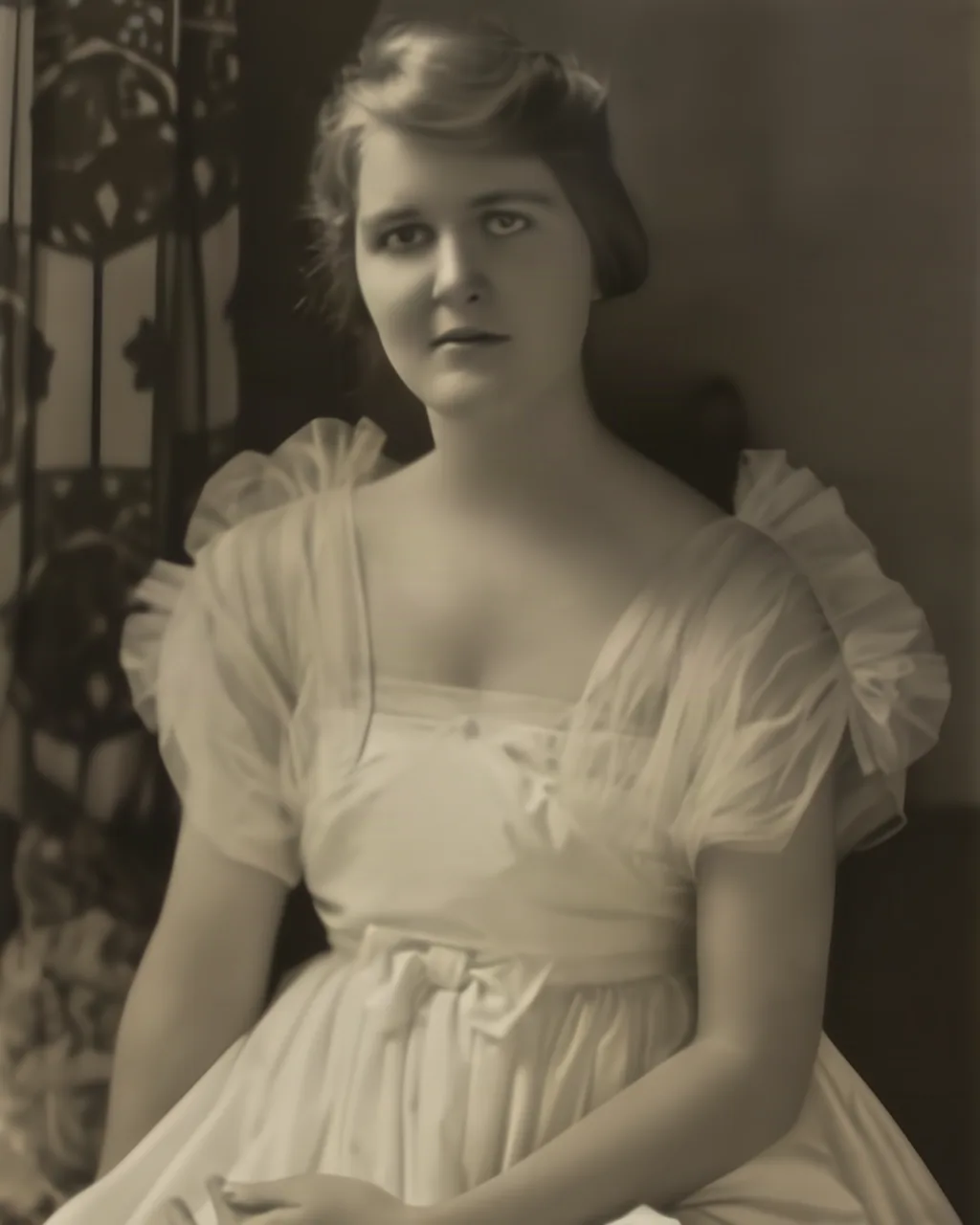
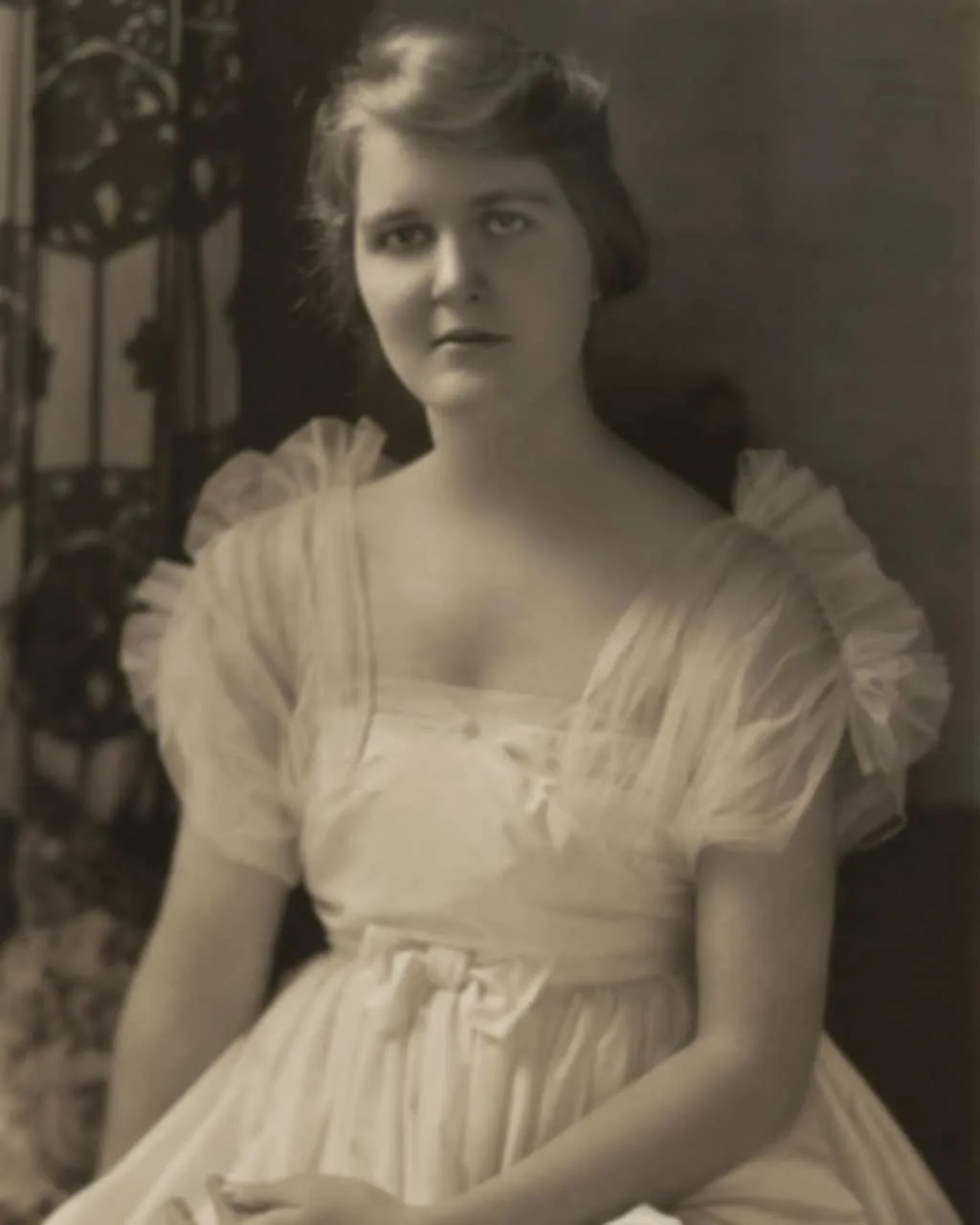
Changed: eyes, brows and hair strands are crisper. Kept: the same face, expression and dress.
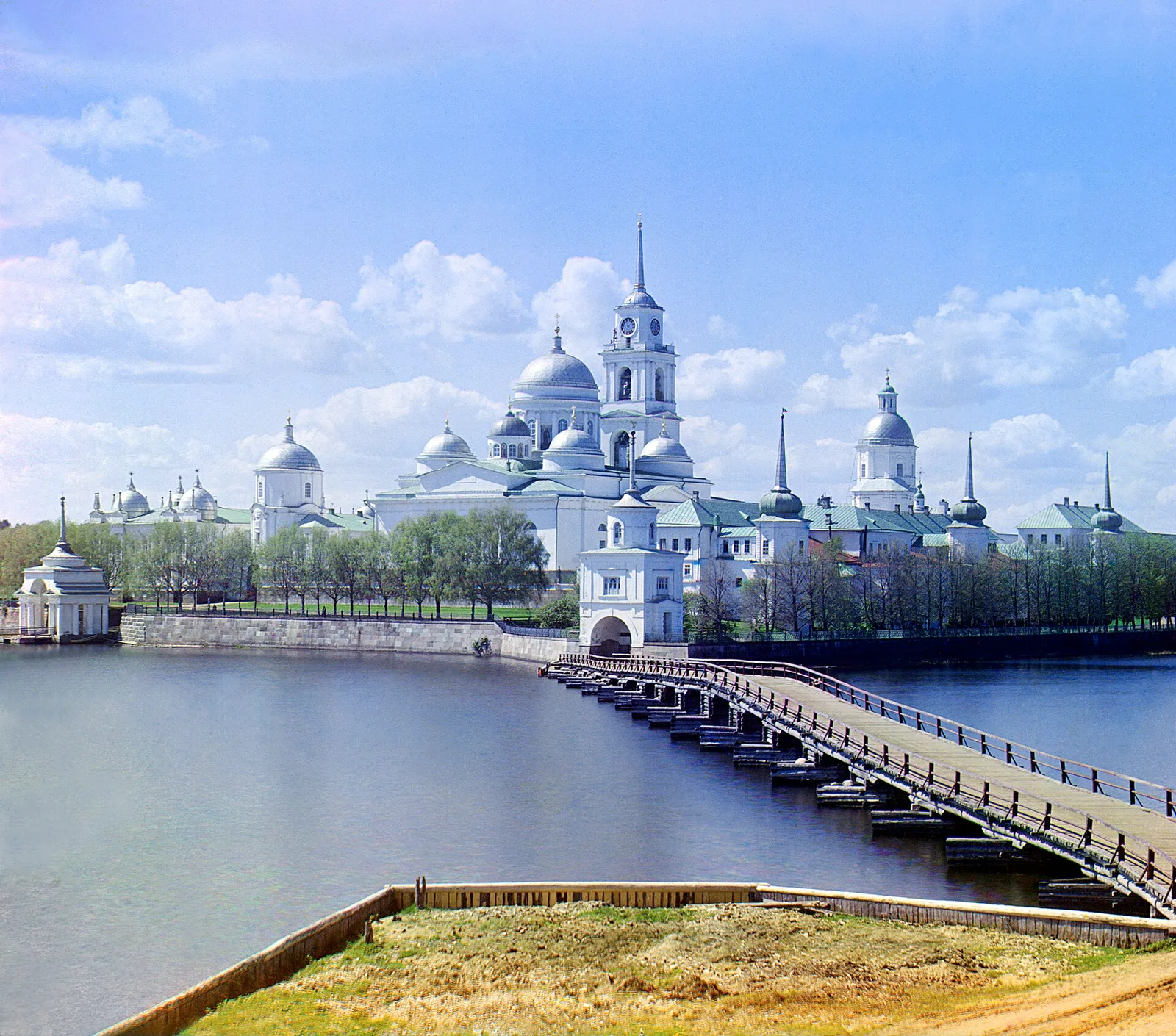
Unblur, colorize, unpixelate and sharpen: four tools for old and blurry photos.
1 free photo a day as a guest · no sign-up · no watermark. Sign up and get 3 free credits. Tools use 1–2 credits per photo.
Changed: eyes, brows and hair strands are crisper. Kept: the same face, expression and dress.
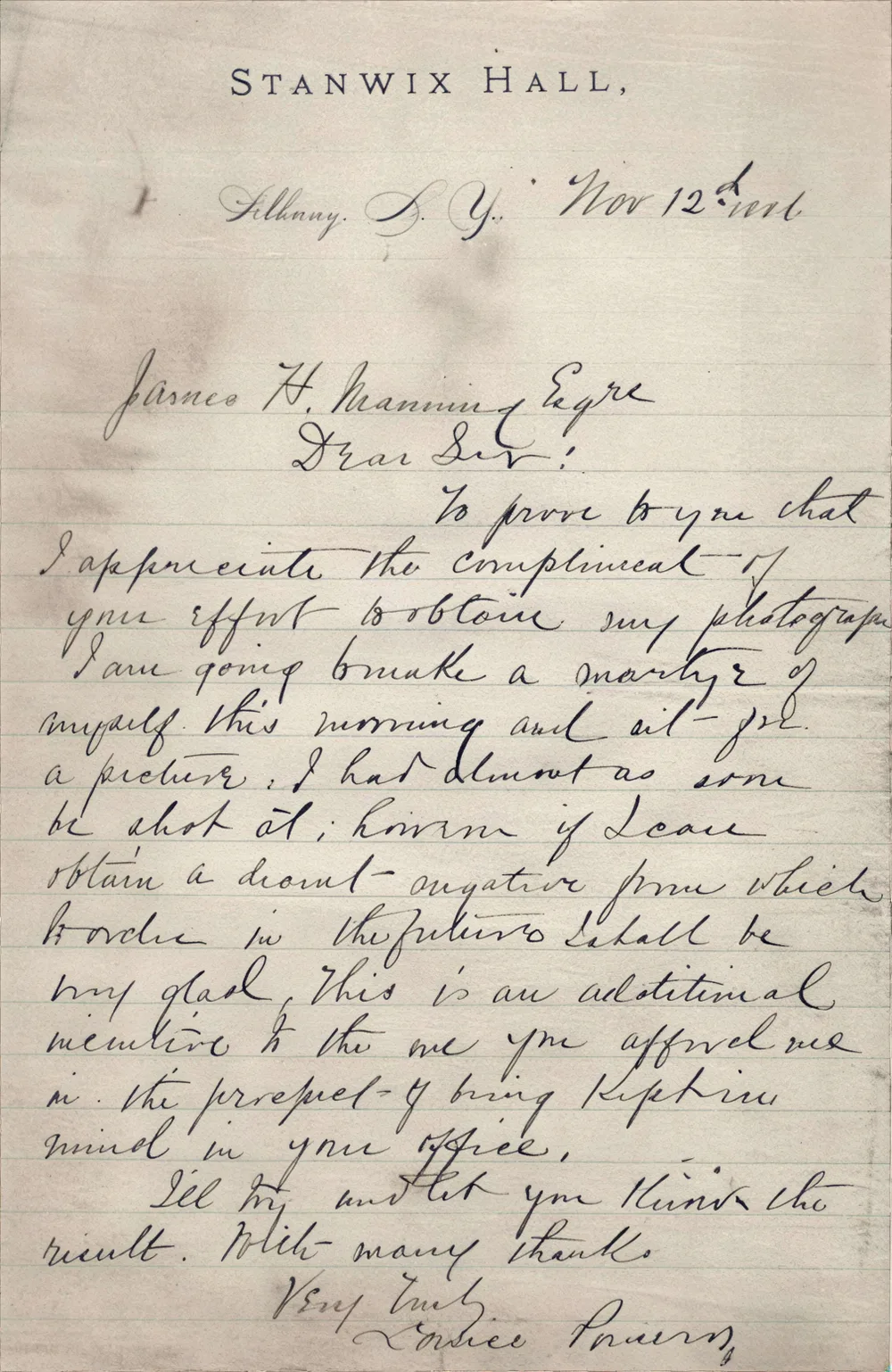
Changed: ink strokes and ruled lines are crisp. Kept: every word as the writer formed it.
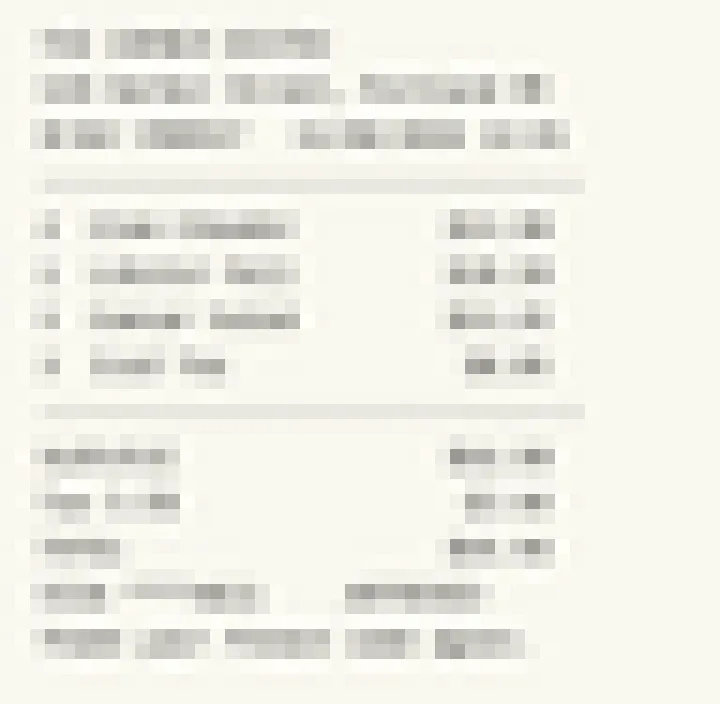
A pixelated receipt: the check stops and says This one is blocky. Unpixelate rebuilds blocks into detail; Unblur would only sharpen them.
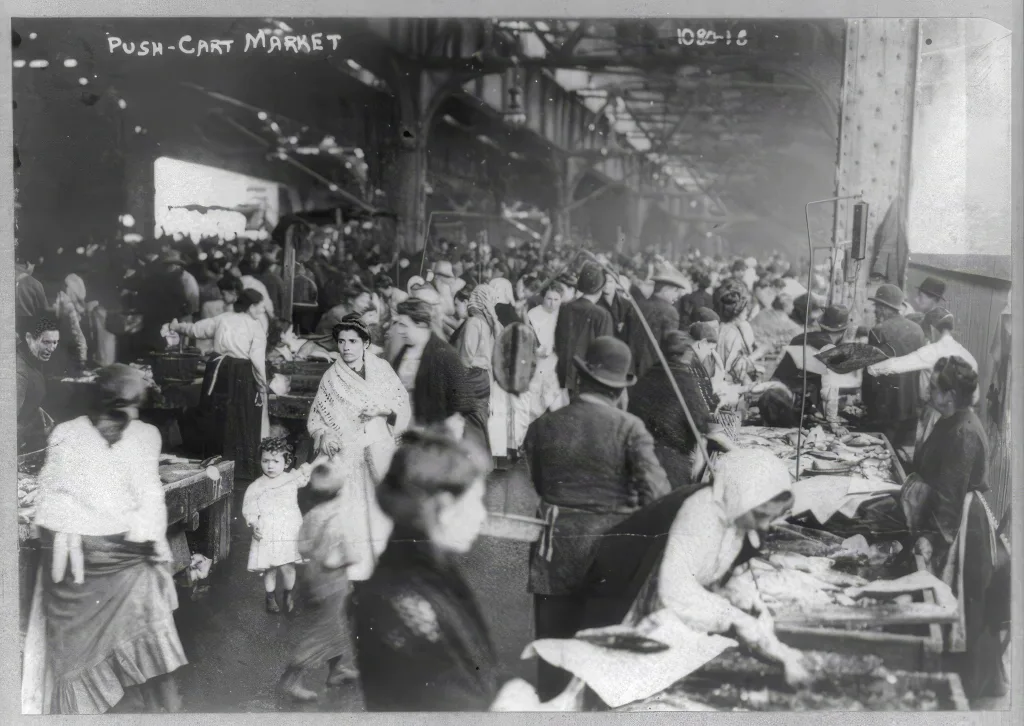
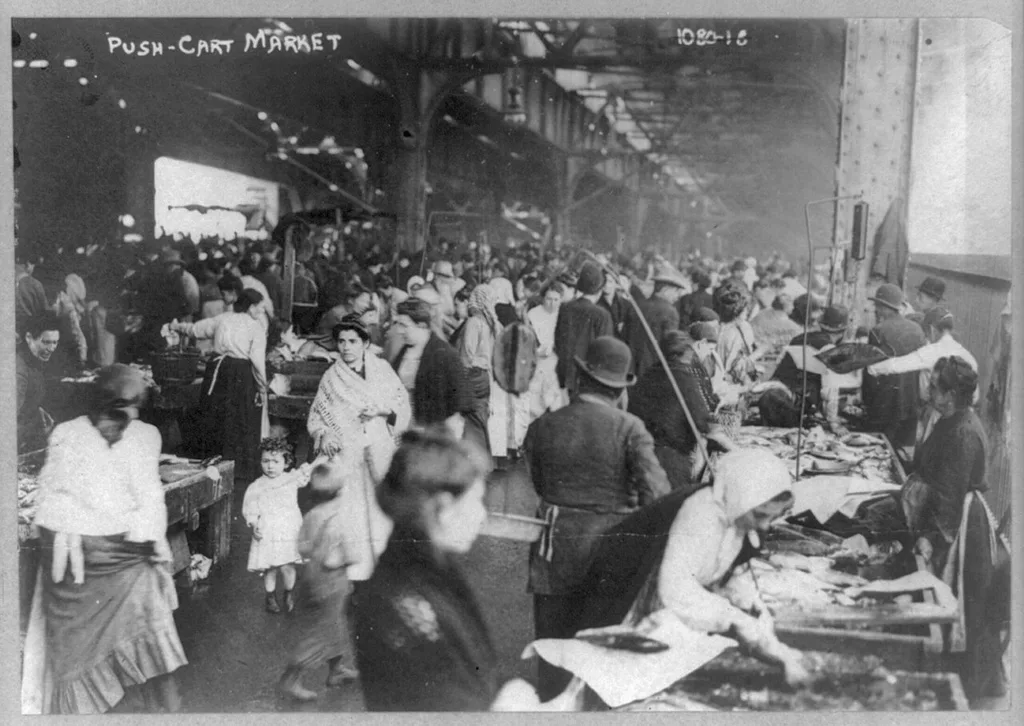
Pick a photo, or drop it anywhere on the page.
Every face and any writing is found first, so text stays as written. The check also works out what kind of blur you have.
Drag the line between your original and the result. Like it? Download it.
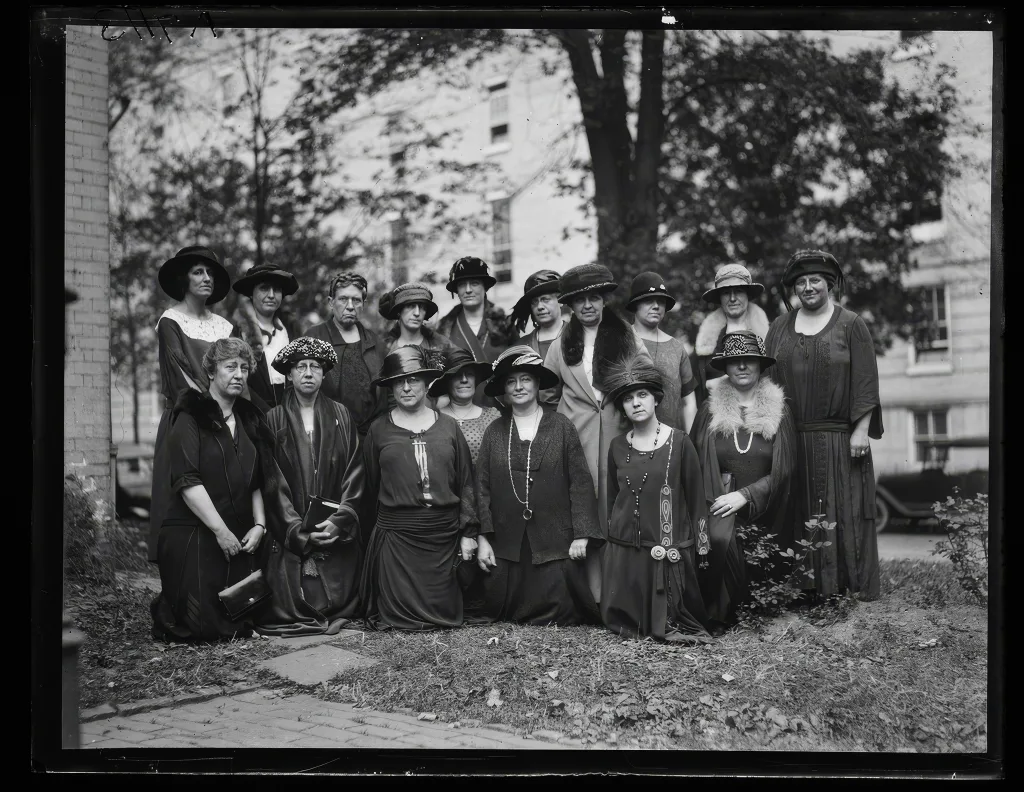
Your photo gets a quick look before anything changes: who is in it, and is there writing on it. The answer decides the careful way to fix it.
Faces come out clearer, with eyes, nose and mouth easier to read, still looking like the person. Very small faces, only a few dozen pixels wide, are left as they are.
Blurry photo: detail can come back
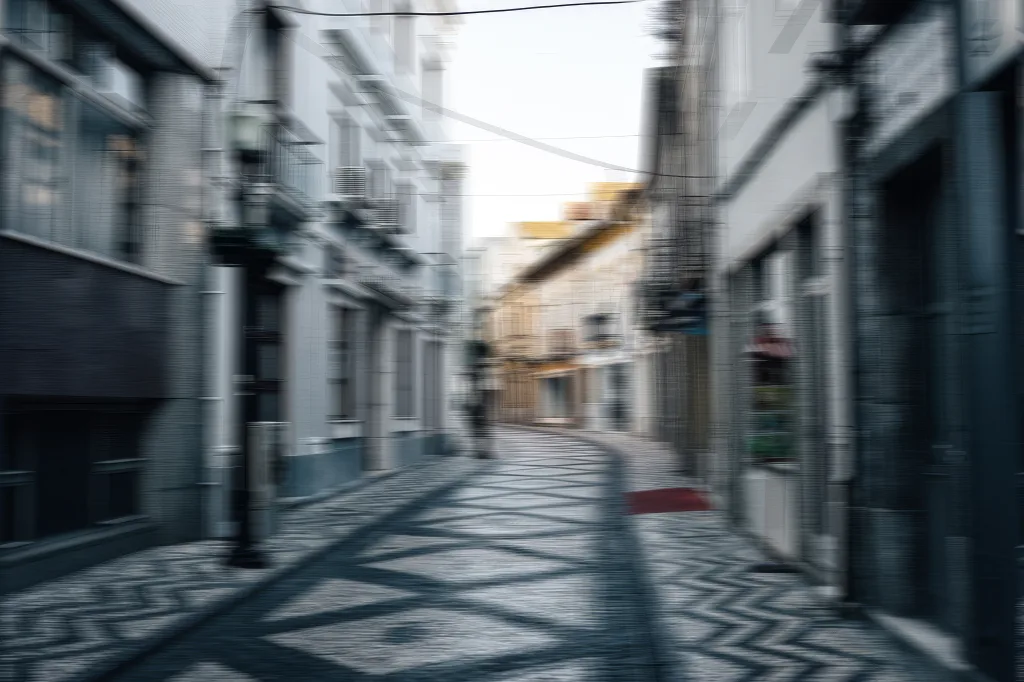
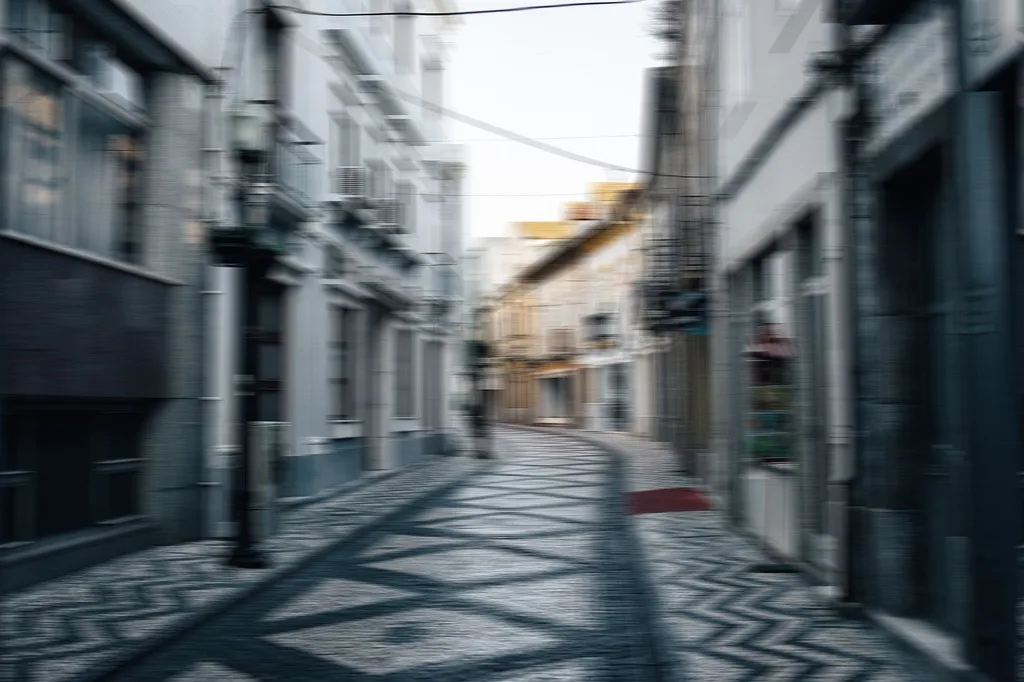
A child running past, a dog mid-shake: edges smear one way. Short streaks lift well; a long streak leaves less to work with.
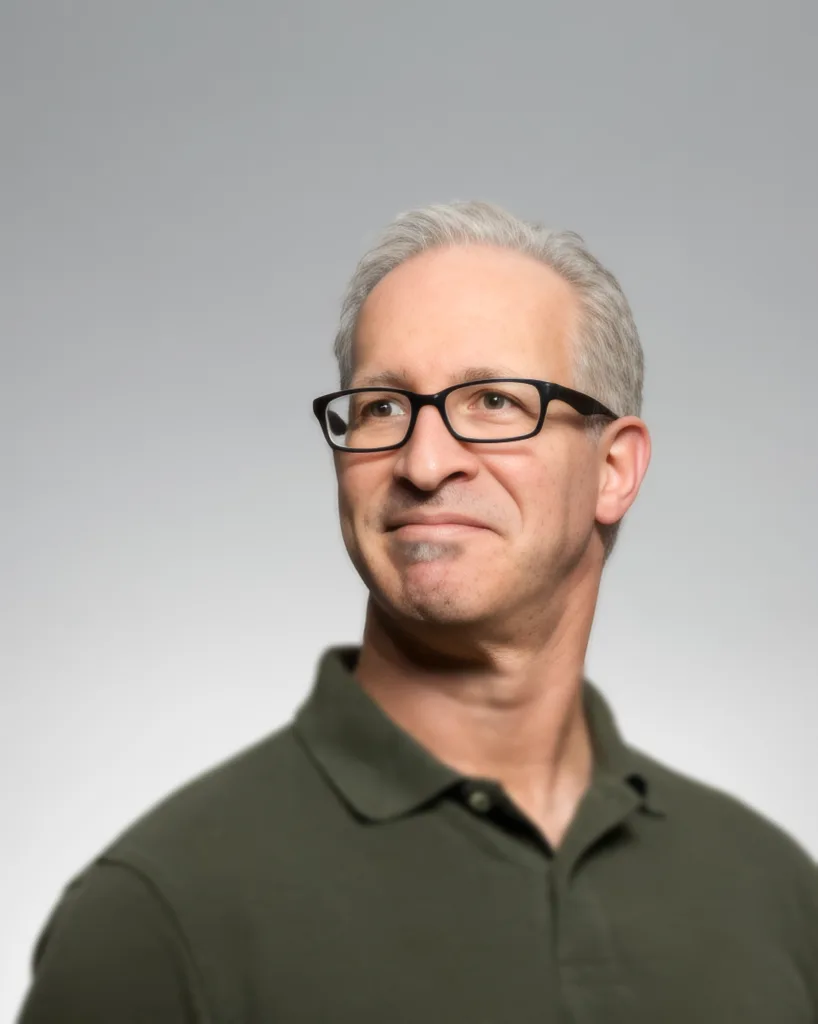
The whole face or object looks soft, with no streak. A slightly missed focus lifts well; a shot far out of focus keeps little to recover. Here the eyes turn crisp and he still looks like himself.
A faint double edge around every line, from a hand that moved. Brief shake often cleans up; a long, dim exposure is harder.
| Your photo | Use | Why |
|---|---|---|
| Motion blur or missed focus | Unblur | Smeared detail needs a model. |
| A little soft | Sharpen | Edges still exist. Free, local. |
| Blocky, pixelated or tiny | Unpixelate | Enlarges and smooths blocks. |
| Black and white | Colorize | Adds color, keeps the grain. |
| Blurry and black and white | Unblur, then Colorize | Order matters: Unblur first. |
Faded receipts, handwritten notes, a menu from the night you met. Unblur sharpens the letters that are still there, so names, dates and amounts come back into view, exactly as written. If the ink is gone, we’ll tell you instead of guessing.
Motion streak, missed focus or shake? The photo check tells them apart, and spots faces, writing and signs of an old print.
Photos with people keep the person. Photos with writing keep every letter. Heavy blur may only gain cleaner edges.
The result comes back at your photo’s size, so you can drag between it and your original.
 | Family and phone snapshots | Mild camera shake, small motion blur or a slightly missed focus. Every face gets a check first. | Edges tighten, and faces stay the same people. Clearer, not a new photograph. |
|---|---|---|---|
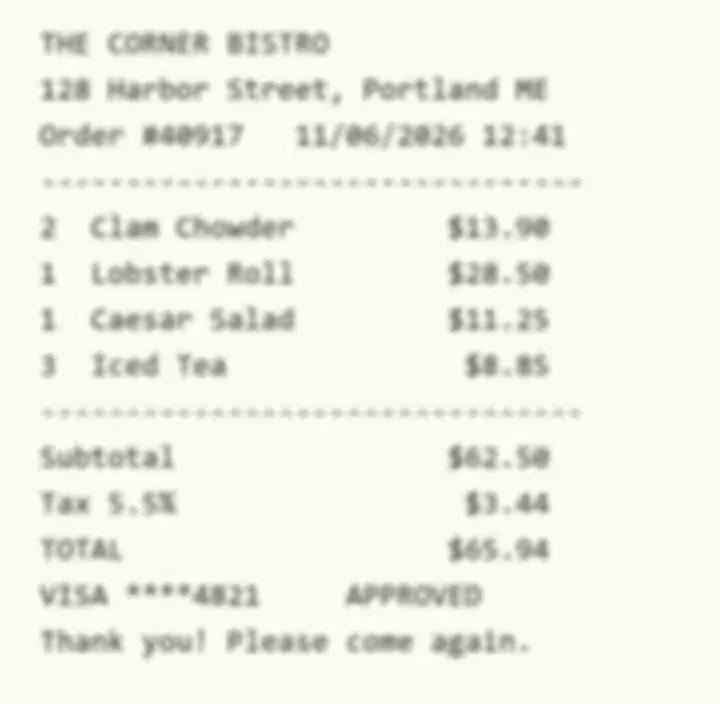 | Receipts, notes and menus | Printed or handwritten text that is soft but still readable. Names and numbers stay as written. | Larger print improves. Tiny print and glare can stay hard to read. |
 | Pixelated or covered images | Nothing to repair: the detail was removed, not blurred. | Not recoverable. Hidden content stays hidden, and we say so instead of guessing. |
 | Severe blur and tiny faces | Very heavy blur, or faces made of almost no pixels. | Some detail will not come back. Very small faces, only a few dozen pixels wide, are left as they are and we tell you. |
Plays right here · none of your photos are used
$0.50 a photo
Try a few photos
$0.25 a photo
Restore a family album
$0.16 a photo
A large collection
$0.15 a photo
An extensive archive
1 credit = 1 Standard photo · HD uses 3 · Restore uses 2
Prices in USD. Sales tax or VAT, where it applies, is added at checkout.
There is no single best unblurrer; it depends on the kind of blur. Revivo Photo, an AI photo restoration tool, unblurs motion blur, missed focus and camera shake, and finds faces and text first so they are handled with care. For a photo that is only slightly soft, Sharpen is free and runs in your browser; heavy blur can still lose detail.
It can regenerate a blurry image, but it may redraw faces and rewrite letters while doing it. Unblur finds faces and text first, aims to keep the person looking like themselves, and leaves text as written. If the blur has erased the detail, it says so instead of inventing it.
In your phone’s browser: open this page, choose a photo from your gallery or camera, and compare the result with the original using the slider. Nothing needs installing, and you save the repaired photo when you like it. Very blurry shots still lose detail, so retake the picture if you can.
For motion blur and missed focus, often yes; for slight softness, not necessarily. Photoshop’s sharpening raises edge contrast and cannot rebuild a smear, while AI unblurring estimates the missing detail. That estimate can be wrong, which is why your original stays beside the result.
Often, when the blur is mild to moderate. Motion, missed focus and camera shake can all be sharpened well, and your original stays beside the result. If the blur has erased the detail, it cannot be fully recovered, and we tell you instead of inventing it.
It aims to keep the person looking like themselves, but cannot promise that for every photo. Faces are found first and your original stays beside the result, so you can compare. A very soft face can come back slightly different, and very small faces (only a few dozen pixels) are left as they are.
Often, when the letters are still partly visible. Text is found first and kept away from any step that could rewrite letters, so names and numbers stay as written. If the ink is gone, we say so instead of guessing.
As a guest you get 1 free photo a day with no sign-up, and results have no watermark. Signing up adds 3 free credits. Tools use 1–2 credits per photo. From 1 credit per photo — download included. If a photo fails, nothing is charged. Photos are kept 30 days on every plan, free accounts included. Paid plans add credits: Starter is $9.90 for 40 credits a month, Pro is $29.90 for 200 and Archive is $49.90 for 500.
Severe blur, details that are already lost, and very small faces (only a few dozen pixels wide). The result tells you when that happens, and small faces are left as they are. In those cases some detail will not come back.
Sharpen for a slightly soft photo, Unblur for motion or focus blur. Sharpen adds edge contrast, runs in your browser, is free and unlimited, and does not upload your photo. Unblur checks the photo first and picks a repair, which means it uploads the photo, and it can still guess wrong.
Sharpen never uploads your photo; Unblur does. It sends the photo to our server for the repair, and the result opens next to your original, which is not overwritten. Your photos and results are not used to train or improve AI models by us. Our AI providers receive a photo only to produce the result you asked for. We do not make a blanket promise about every provider's own practices; each handles data under its own terms. Uploaded photos are deleted automatically; the Privacy page has the details.
Yes to both, as separate steps. Unblur the photo first, then use Colorize, which changes the colour only and keeps your original light, dark and grain. It has 4 tone presets and a field for the colour you remember; the colours are a plausible guess, not a record.
Use the size calculator on the Unpixelate page. It says how much enlargement a 6x4, A4 or A3 print at print quality (300 dpi) needs, and warns you above 4×, where fine detail looks painted rather than photographed.